
Shopify Onboarding
Get started with Medpaid on Shopify
Overview: Medpaid works with Shopify through Checkout Champ, which acts as the checkout layer connecting your store to the Medpaid HSA/FSA gateway. You'll need a Checkout Champ account with the Medpaid gateway enabled before you can accept HSA/FSA payments. See Why Medpaid partners with Checkout Champ.
Onboarding steps
1
Sign up for Checkout Champ
Shopify doesn't support the Medpaid payment gateway directly, so Checkout Champ serves as the checkout layer that connects your Shopify store to Medpaid. Create your Checkout Champ account using Medpaid's signup link — this is what ties your account to Medpaid as the exclusive Pay with HSA/FSA partner.
Sign Up for Checkout Champ2
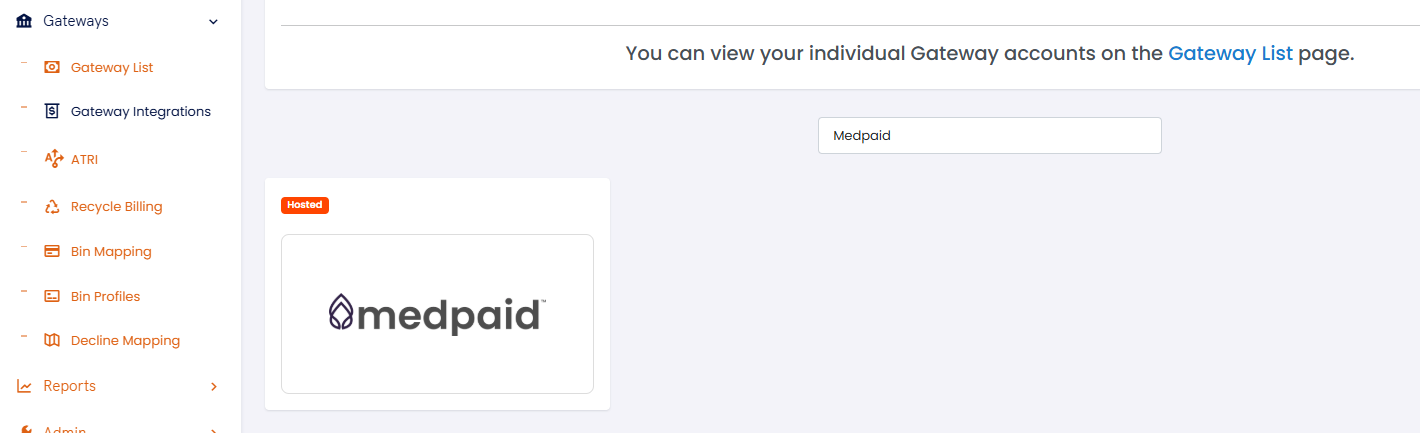
Choose the Medpaid gateway
In Checkout Champ, choose the Medpaid gateway from the Gateway Integrations tab.
3
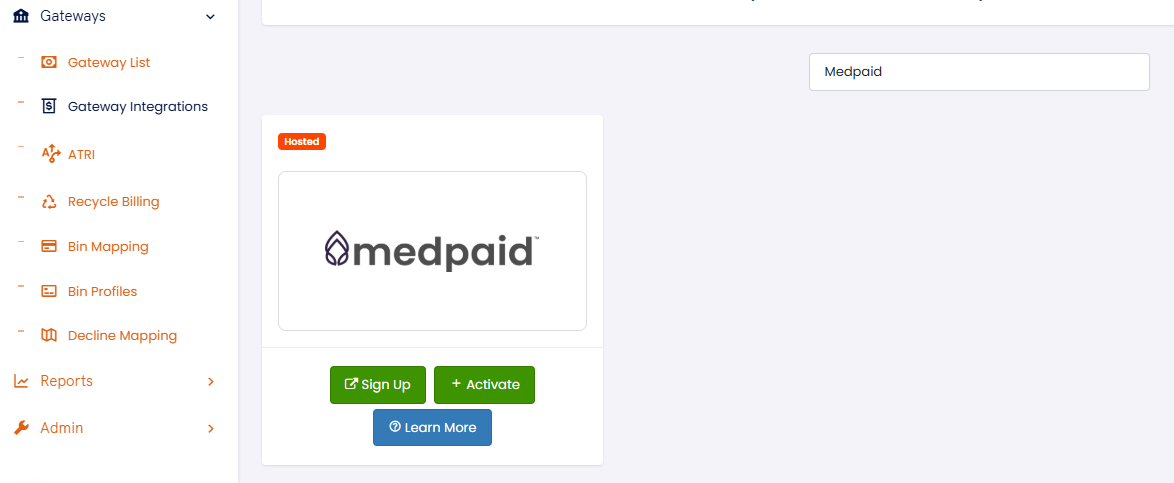
Start the Medpaid signup
Still in Checkout Champ, click Sign Up on the Medpaid gateway tile and follow the Medpaid signup process to create your account.
What's next: You'll get emails along the way guiding you through the product onboarding process. You can reach out to support or your account manager at any time.